
Run the Christmas show's sound from a phone.
Nativity plays, pantomimes, carol services and Christmas concerts share one problem: the right song or effect has to start at the right moment, often run by whoever is free. Cuefaro puts every cue in order with a note on when it goes, and keeps the sound effects on their own buttons.
Free to start: your whole first show, with every feature.
Every song and backing track in order.
- Import the tracks. The backing tracks and effects that came with the show, or your own recordings, as WAV, M4A or MP3.
- One cue per moment. Give each cue the line or the action it follows as its note, so the person on GO always knows what comes next.
- Trim the long intros. Drag the start and end on the waveform, add a fade and set the level.
- Let music run on. A cue can follow automatically when the previous one ends, with or without a pause.
For the moments nobody can predict.
Sleigh bells, a knock at the door, a thunderclap or the villain's entrance: put each effect on its own hit button beside the running order. A hit plays at once, on top of the music if needed, up to eight sounds together. The first nine hits also sit on the number keys of a keyboard.
When a scene goes wrong, fade all out ends every sound gently and STOP silences at once. Rehearse from any cue, so the dress rehearsal does not have to start at the top.
Freeze it, check it, copy it.
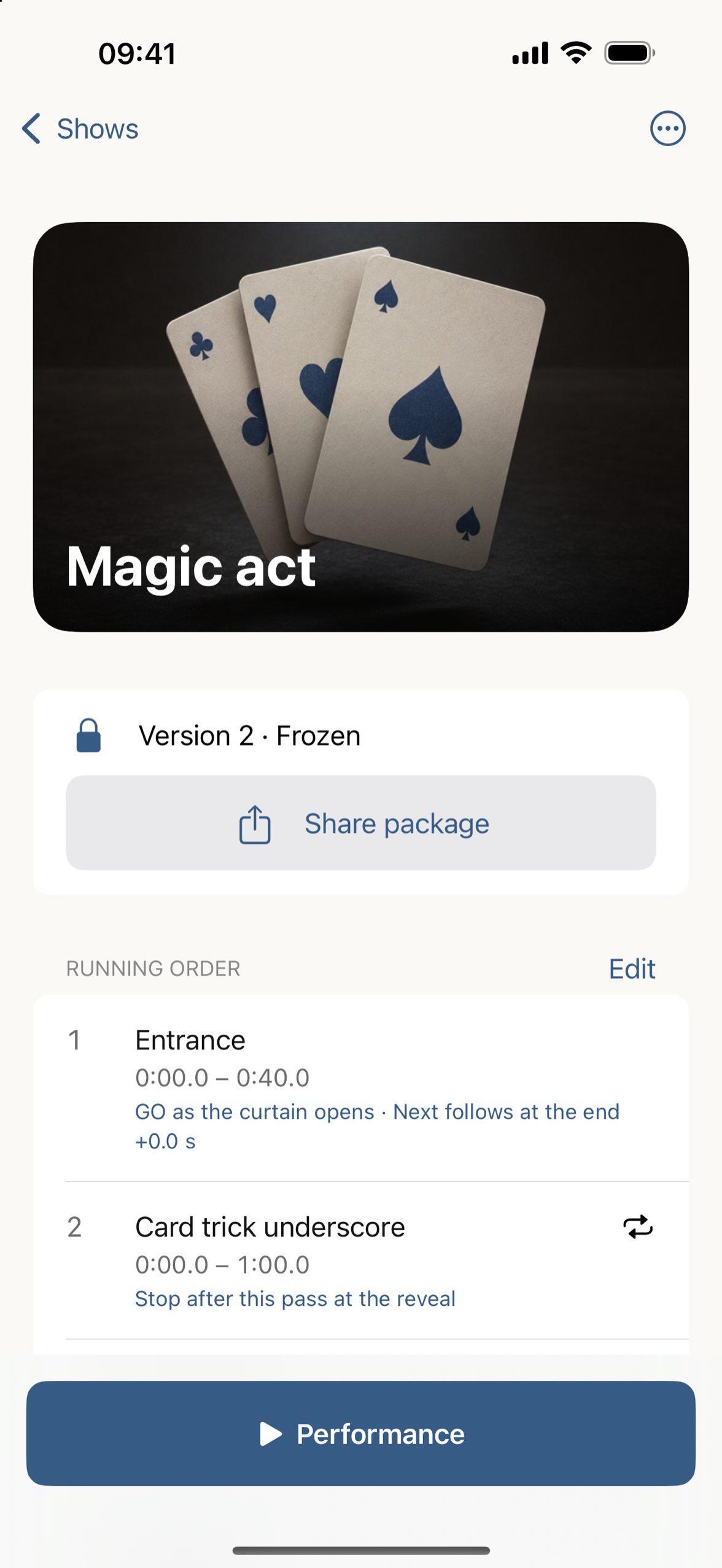
Freeze the version you used at the dress rehearsal. Before the doors open, the check before playing names any file that is missing or changed and plays a test tone through the current output. Send the show package to a second phone or tablet, iPhone or Android, and a colleague can take over with exactly the same show.
Questions about Christmas shows.
Can I use the backing tracks that came with our show?
Yes, if your licence for the show allows it. Import the MP3 or WAV files and put them in order with a note on each.
Can one person run the music and the effects?
Yes. The music runs from the running order with GO, and the effects sit on hit buttons beside it.
Does it need wifi in the hall or the church?
No. The audio is copied onto the device, so the show plays offline.
What does it cost?
Your first show is free, with every feature. A one-time purchase of €39.99 unlocks more shows. There is no subscription and no account.